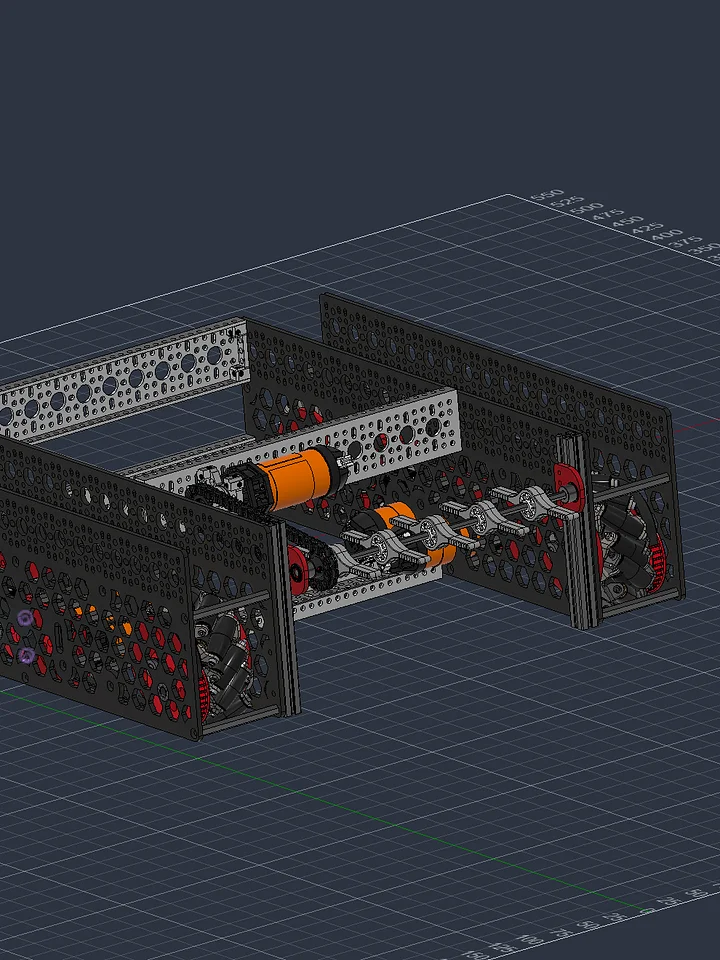
Ball Intake Kit: AndyMark Compliant Star Style (BIOBUZZ)
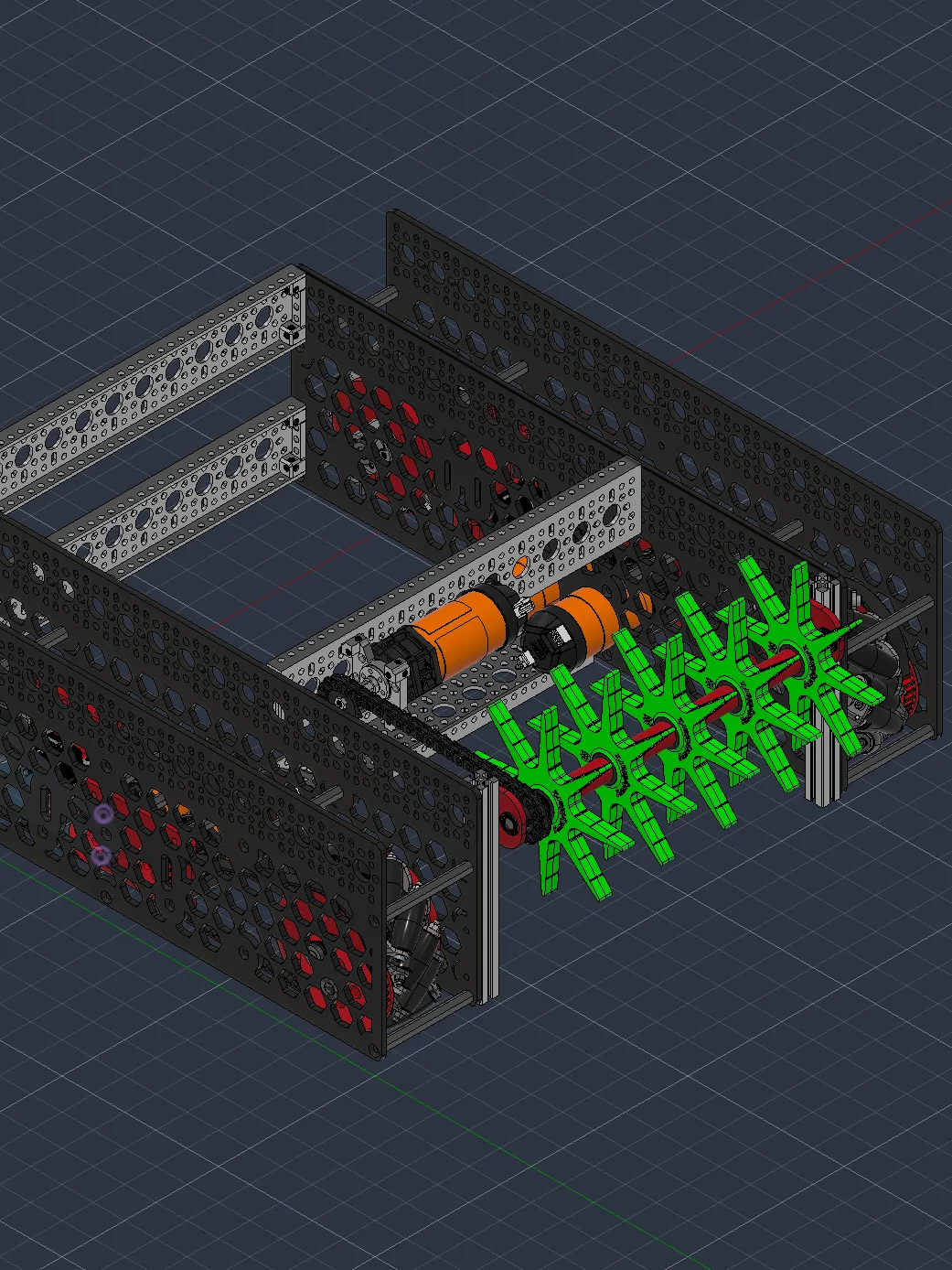
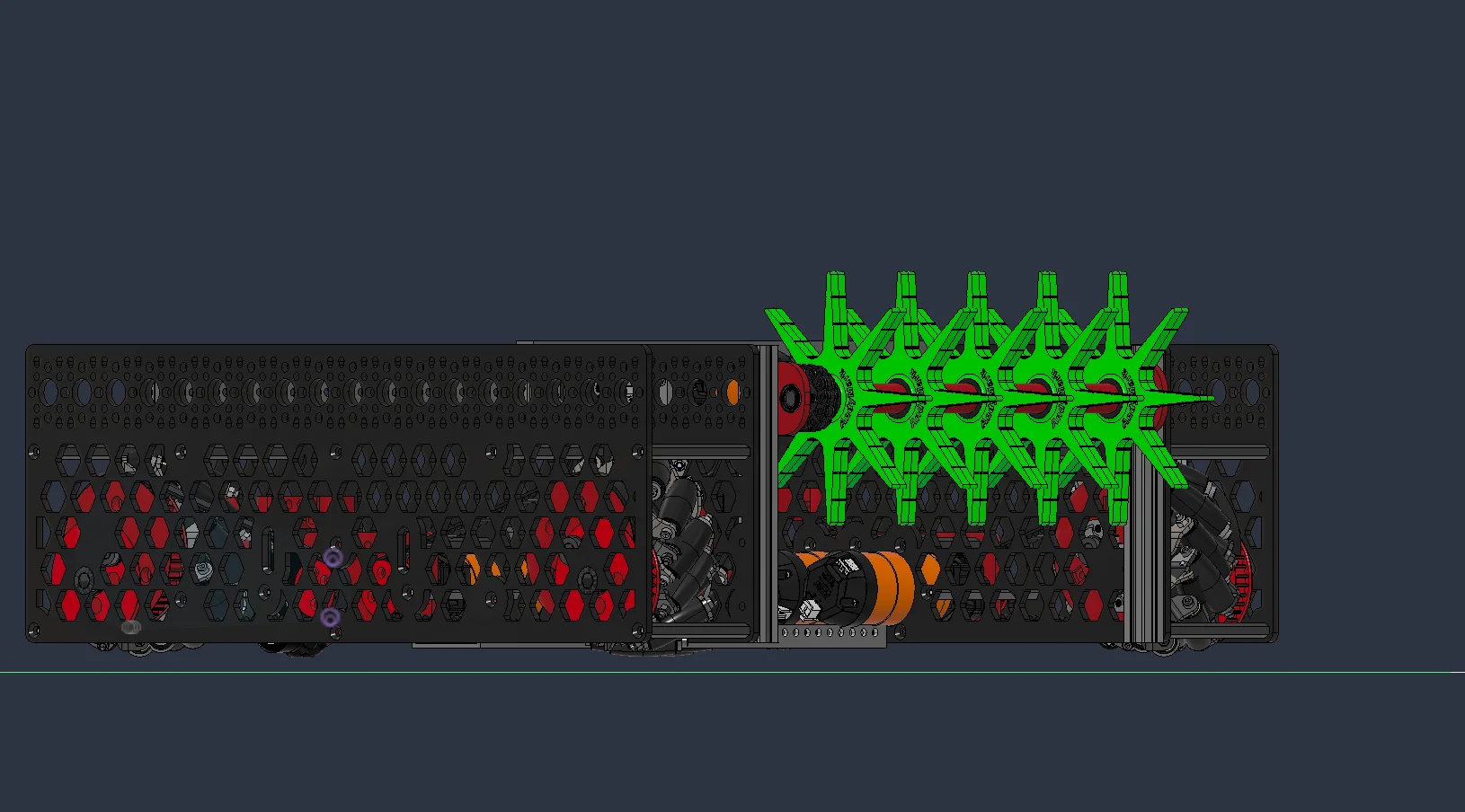
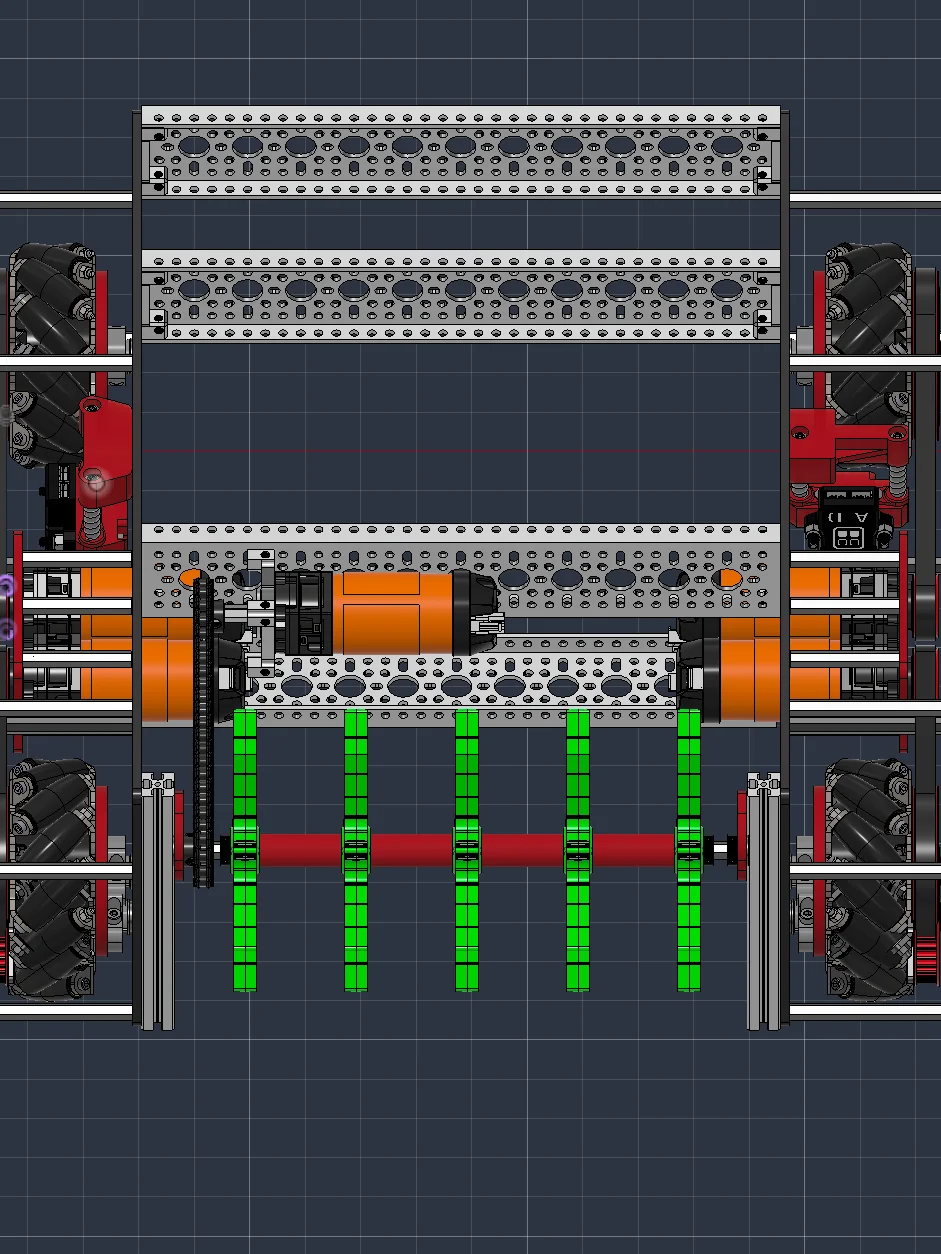
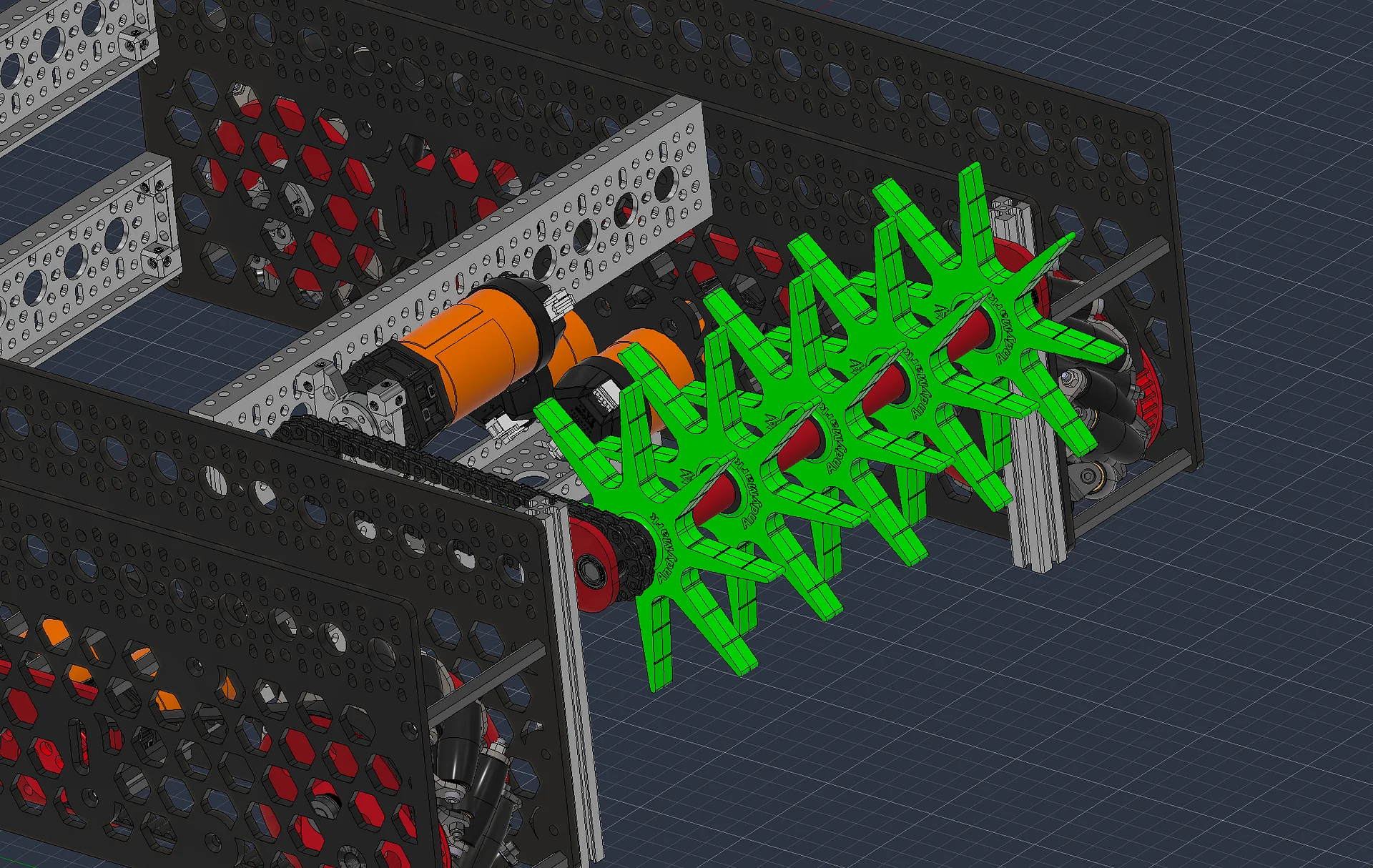
A full-width roller intake for 71mm wiffle balls, built around AndyMark's 5 in. Compliant Stars.
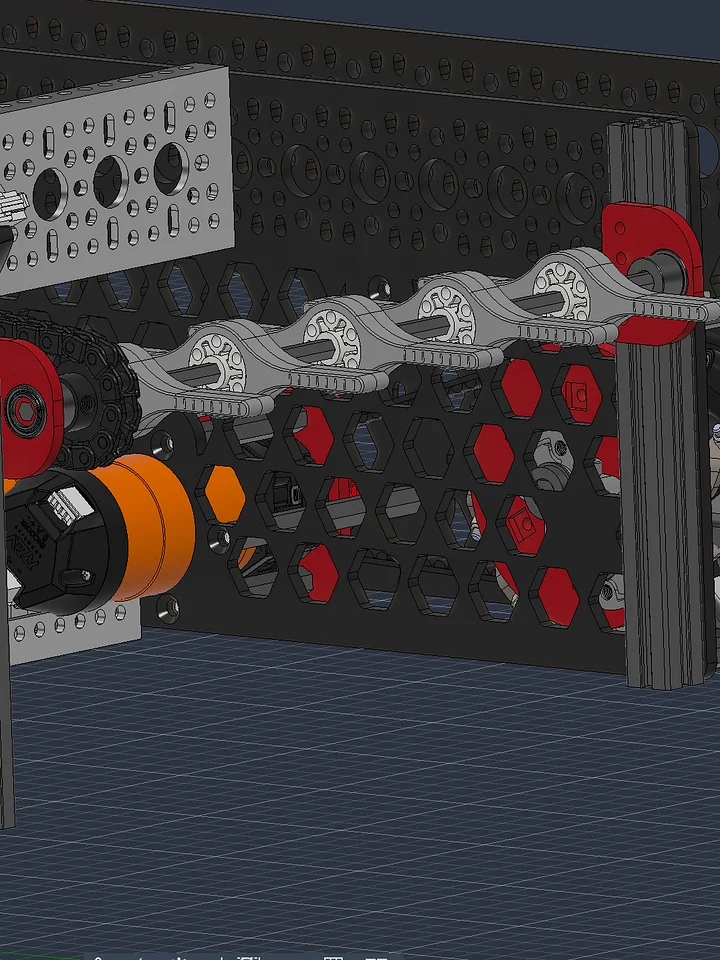
Five 5 in. (127mm) Compliant Stars with 3/8 in. hex bores ride a 7mm hex shaft on printed 3/8 in. to 7mm hex adapters. The spokes flex around the ball and pull it in, and you can trim them on AndyMark's molded cut lines for a tighter package. The CAD shows the 35A green stars, and any durometer from 35A to 80A fits the same adapters.
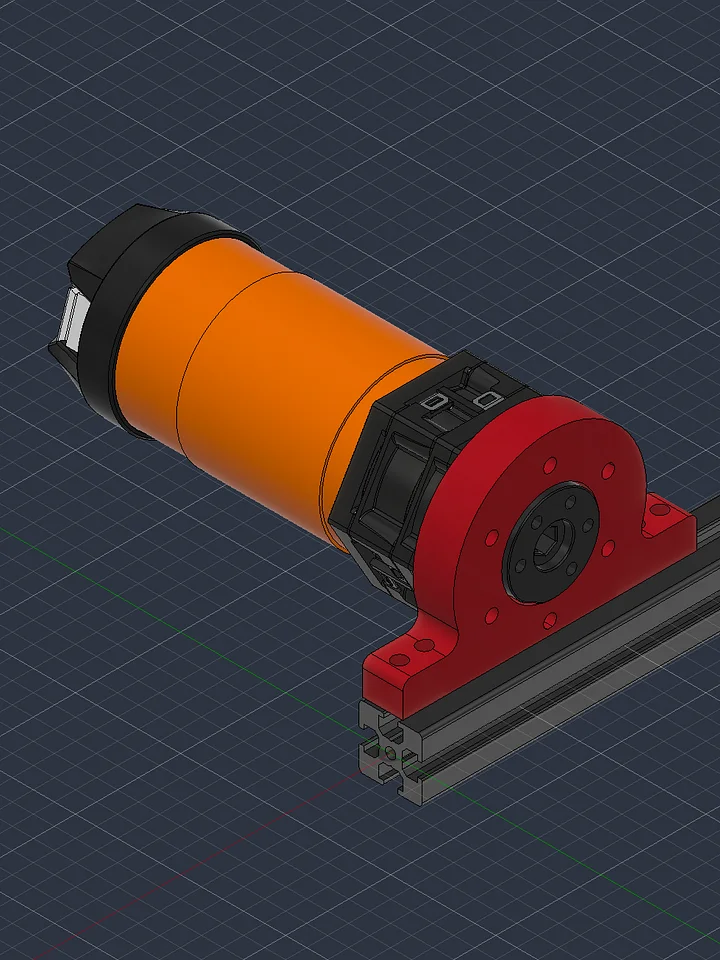
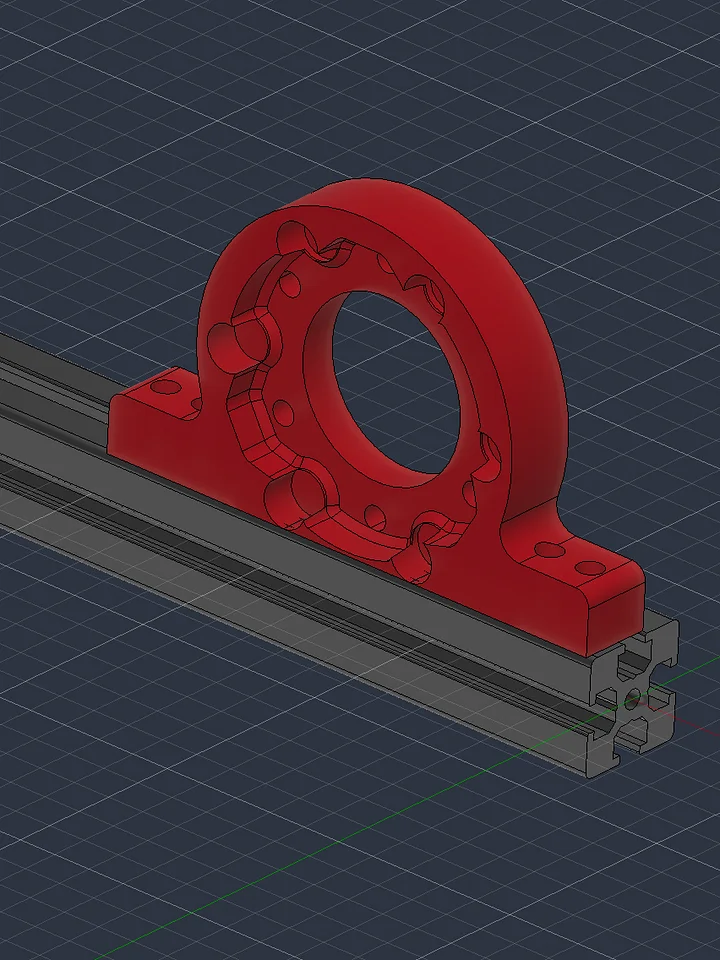
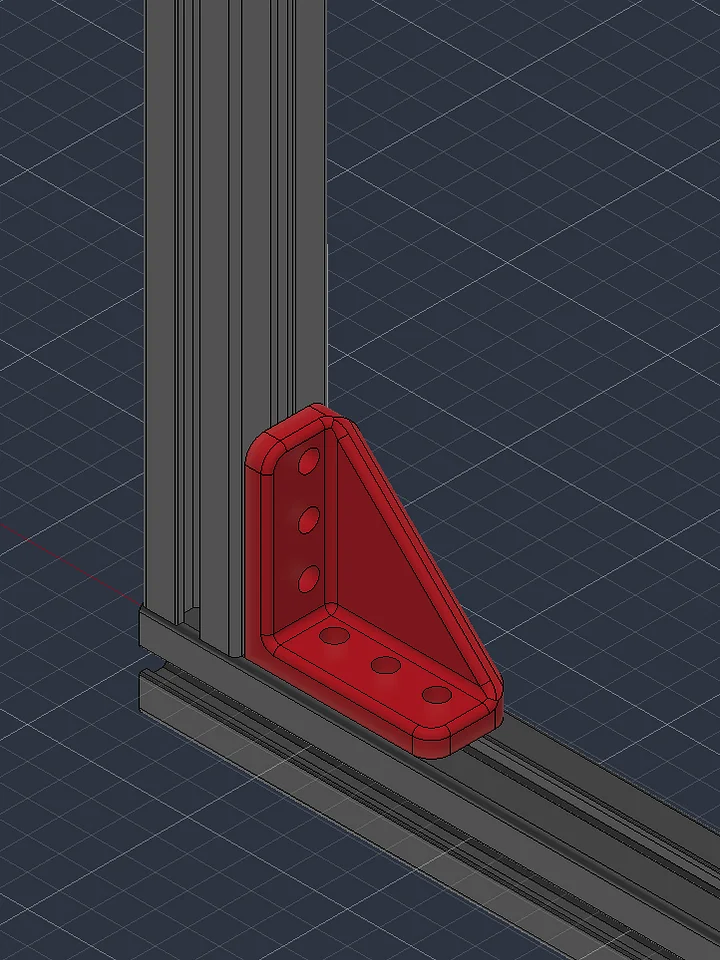
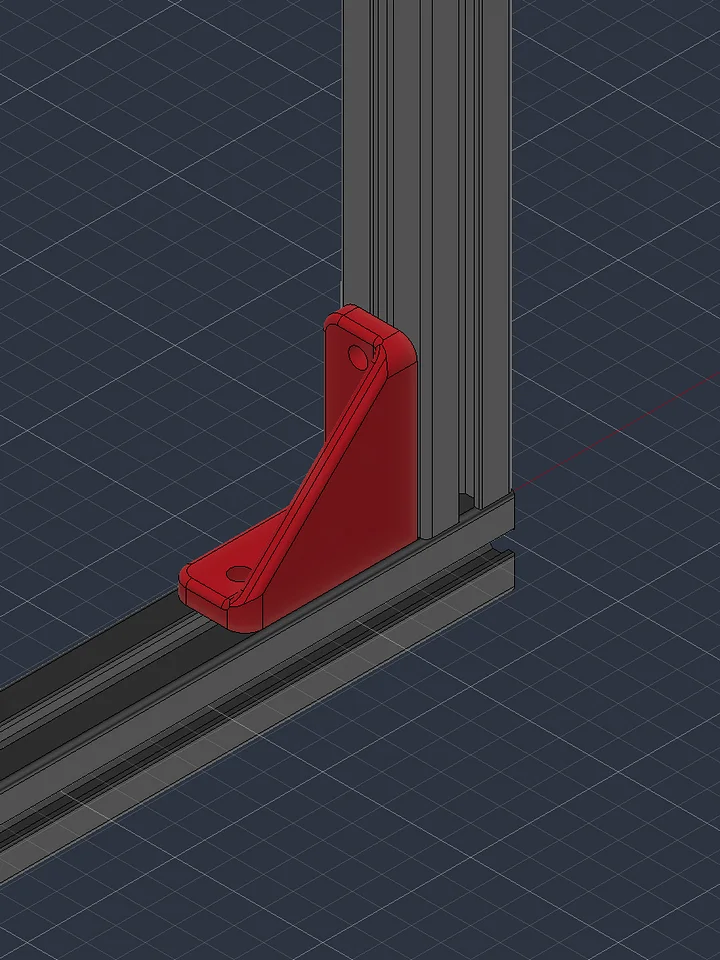
The shaft spins in 8mm flanged bearings in my printed 15x15 bearing plates on two extrusion uprights.
Compliant stars grab harder than flap wheels. Want more slip? Check out the REV Flap Wheel version of this intake.
The kit also includes my parallel plate mecanum drivetrain.
Built this for FTC's BIOBUZZ 26-27 season, but any robot that picks up 70-90mm class balls can use it: wiffle balls, practice balls, ball pit balls.
Package includes STEP file. STEP compressed as a tar.xz as .zip doesn't manage large compressions well enough. Windows users may need to uncompress via 7-zip.
Specs:
- Game piece(s): Multiple compliancy 71-91mm (2.8 in.) balls, BIOBUZZ Pollen/Nectar
- Rollers: 5x AndyMark 5 in. Compliant Star, 3/8 in. hex bore (am-5124)
- Roller shaft: 7mm hex (goBILDA 8mm REX)
- Bearings: 2x 8mm ID x 14mm OD flanged (MF148ZZ)
- Motor: REV HD Hex Motor + UltraPlanetary Gearbox 5:1
- Drive: goBILDA 8mm pitch plastic chain (3309 series), 10T to 10T REX sprockets
- Motor hardware: goBILDA 1702 Quad Block Motor Mount (43-3), goBILDA 2105 REX shaft for the REV motion pattern
- Frame: 15x15 aluminum extrusion (REV 15mm / Misumi HFS3)
- Drivetrain: parallel plate mecanum, 71-106mm wheels, HTD 5mm belt drive (AndyMark 3 in. shown)
Accessing STEP Files
STEP files are uploaded in a .zip folder. You must first unzip the folder in order to import the file into your CAD program of choice.
Autodesk Fusion 360
-
After unzipping the downloaded folder, open Fusion 360.
-
Click the "Show Data Panel" icon in the upper-left corner (it looks like a grid/waffle).
-
Navigate to your desired project and folder.
-
Click the "Upload" button.
-
Select the .step or .stp file from your computer and click "Open."
-
Once the upload is complete, the file will appear in your Data Panel, ready to be inserted into your design.
Onshape
-
After unzipping the downloaded folder, log in to your Onshape account.
-
From the "Documents" page, click the "Create" button and select "Import files...".
-
Alternatively, inside an existing document, click the "+" icon in the bottom-left corner and select "Import."
-
Select the .step or .stp file from your computer.
-
Choose your desired import options in the dialog box.
-
The imported file will appear as a new tab in your document.
SolidWorks
-
After unzipping the downloaded folder, open SolidWorks.
-
Go to "File" > "Open."
-
In the "Open" dialog box, change the file type to "STEP files (*.step, *.stp)."
-
Navigate to and select the STEP file you wish to import.
-
Click "Open."
-
SolidWorks may prompt you to run "Import Diagnostics" to check for and fix any potential issues with the imported geometry. It is recommended to do so.
3D Printing Tips
If the design includes 3D printed parts, I highly recommend you print the part out of PCTG. It has some of the highest impact resistance and non-catastrophic breaking for robot parts.
For Mechanical/structural parts, I recommend:
- 0.6mm Nozzles over 0.4mm. Wider nozzles produce stronger prints in shorter periods of time over thinner nozzles.
- Minimum 4 walls.
- 30-40% gyroid infill